Every logo, every colourway
Each logo in full colour, black, white and brand-colour mono, as SVG, transparent PNG and JPG. Override any variant with your own upload.
- SVG
- PNG 500/1000/2000
- JPG
Brand handoff, automated · for freelance designers & small studios
You did the hard part: the thinking, the mark, the system. Brandpack does the exporting. Drop in your logo SVGs, pick the colours and fonts, and get every logo variation (print-ready PDFs included), a proper guidelines document, a brand portal your client just double-clicks, favicons, a social kit, email signatures and design tokens — in one tidy ZIP.
Download a sample pack ZIP · 107 files · ~5 MB See a sample PDF 17 pages

The guidelines
Set in your client's typefaces and colours, laid out with the restraint you'd give it yourself. Add your studio name and it goes out as your work.
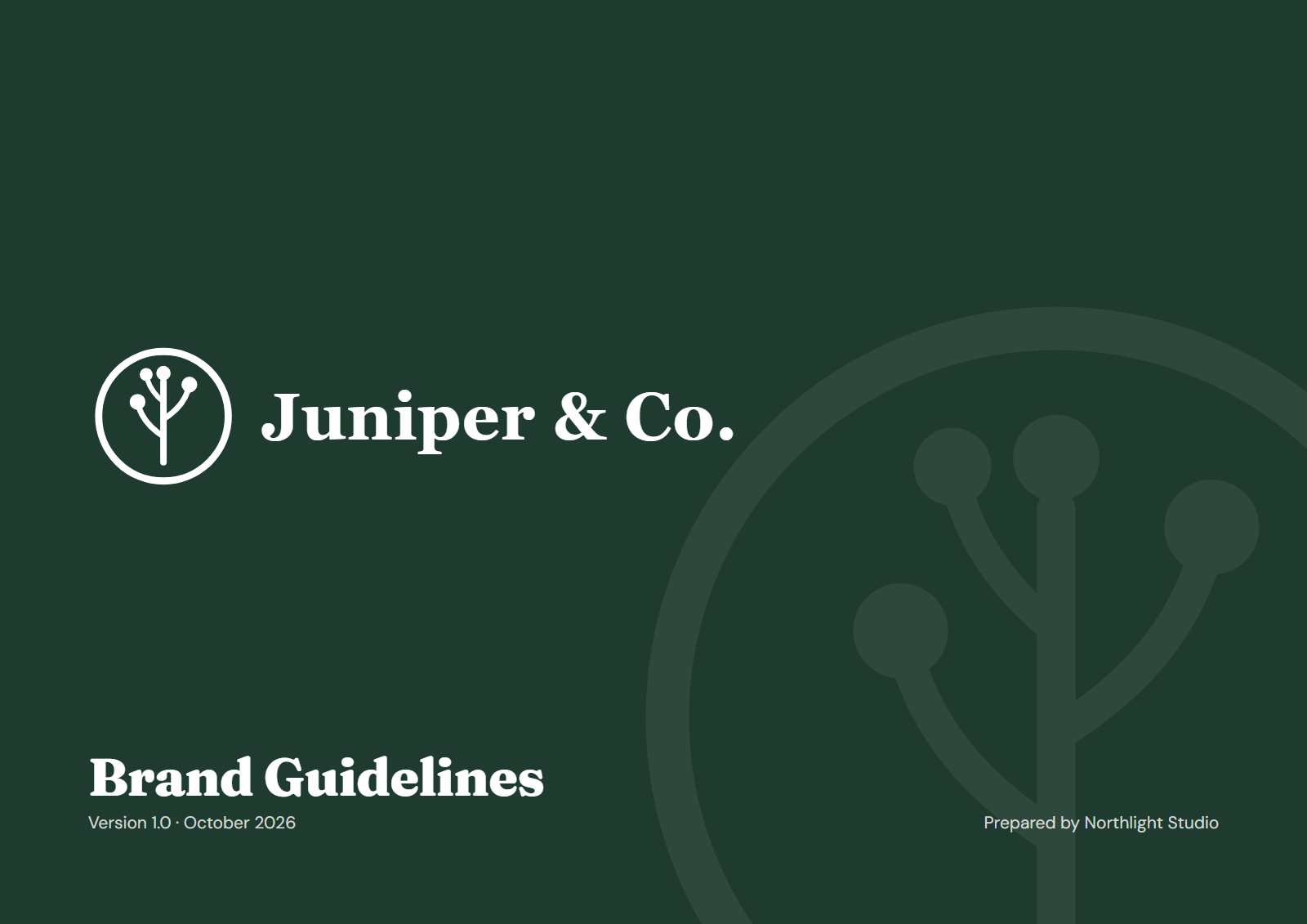
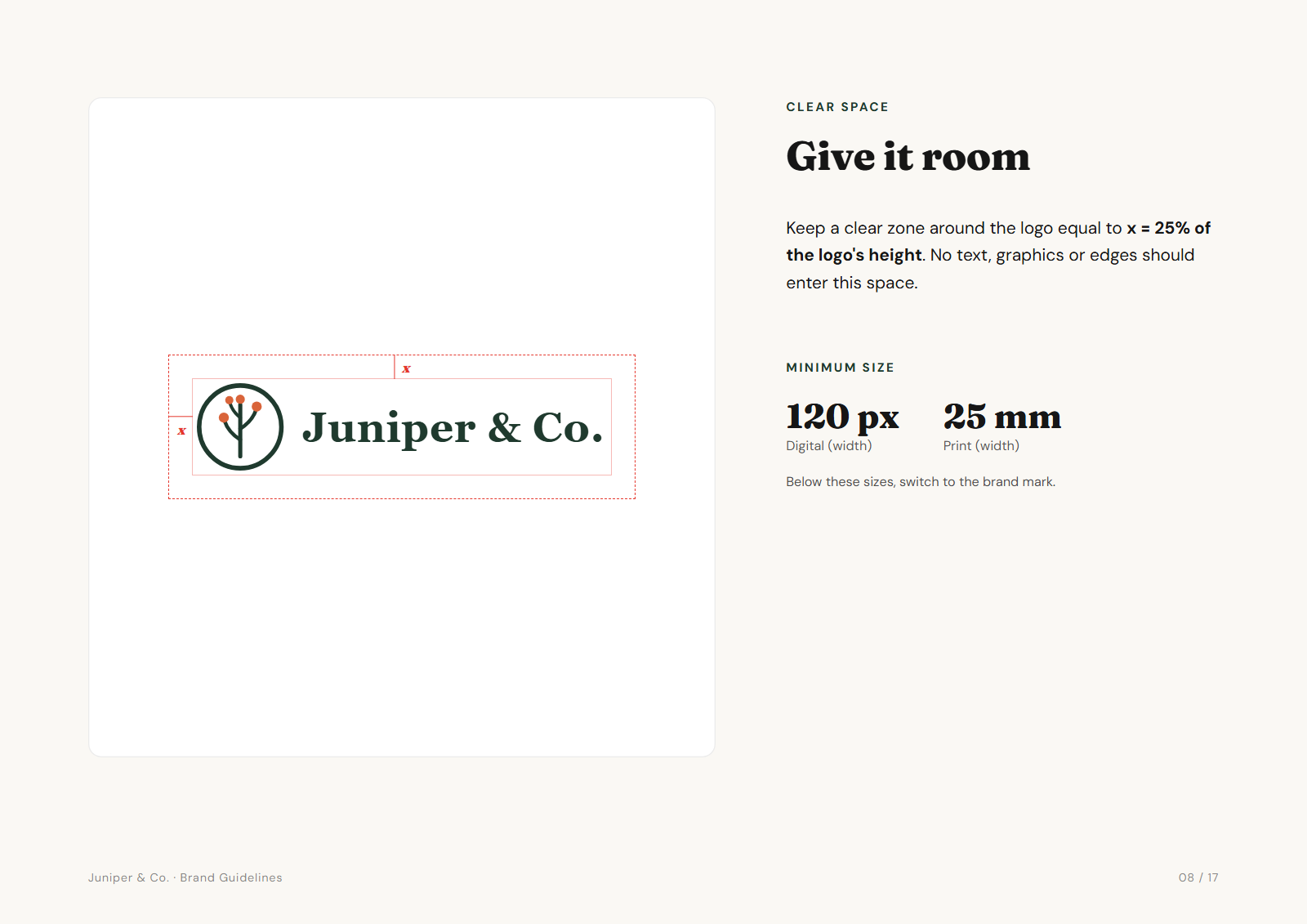
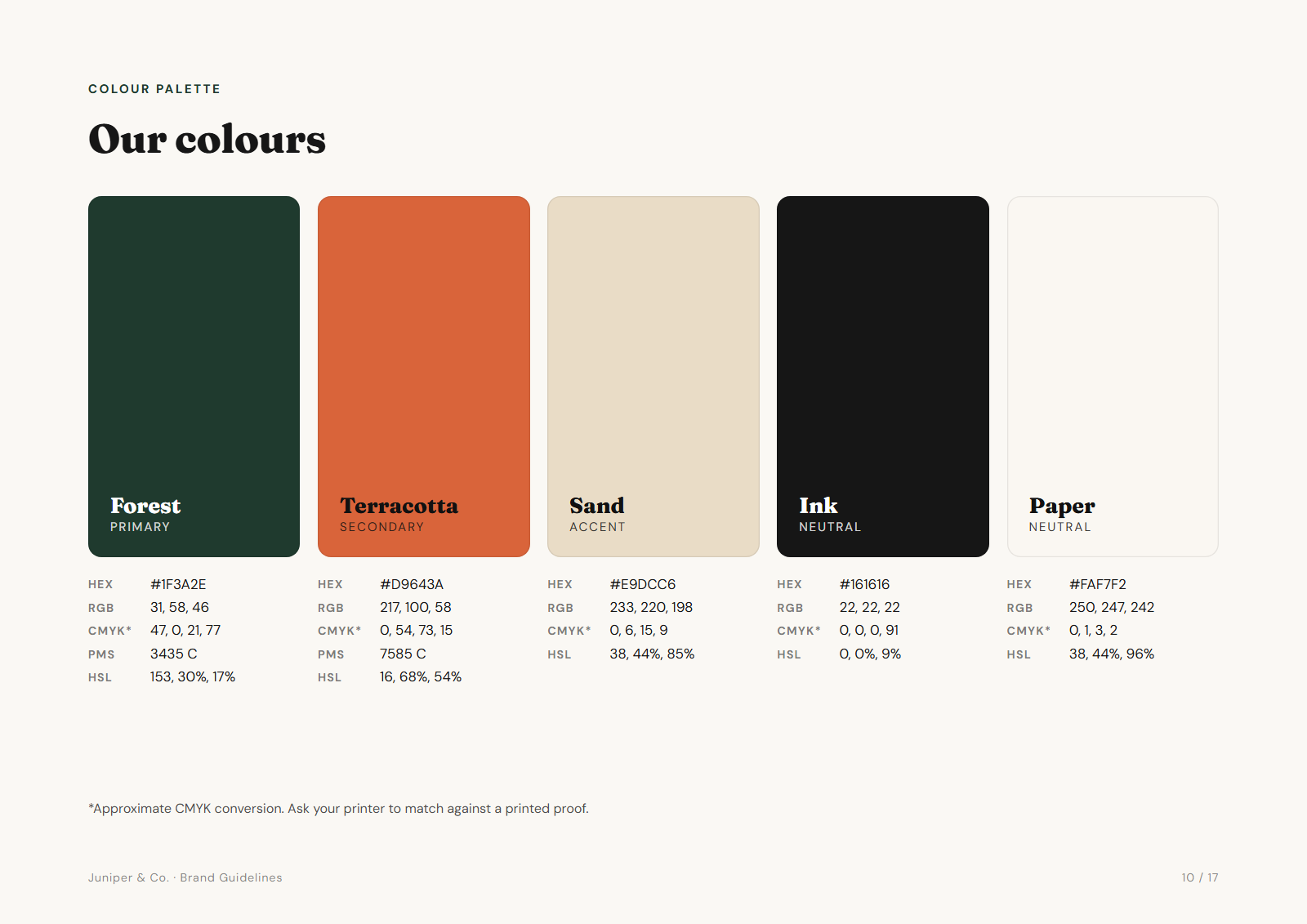
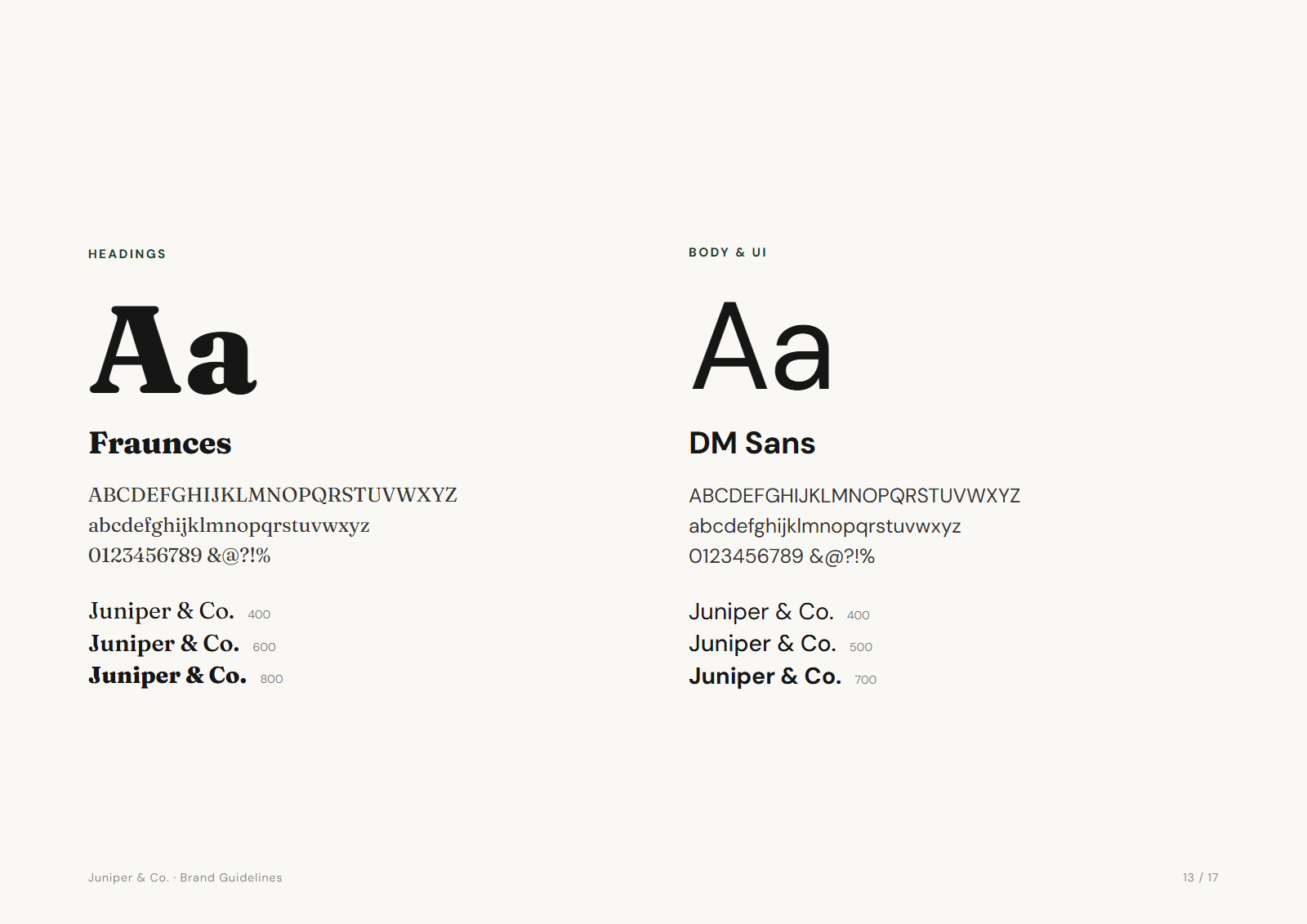
Four pages here; up to seventeen in the real thing. See the full sample PDF 17 pages · ~1.2 MB Download a sample pack ZIP · 107 files · ~5 MB
What's inside
Numbered folders, consistent file names, every size a client, their printer or their developer will ask for, and a portal page on top so nobody has to dig. This is the real structure Brandpack exports for a brand called “Acme”: 107 files with all three logos, about 60 with just a primary logo.
Open me first - brand portal.html
01 Logos/
├─ Primary/
│  ├─ SVG/
│  │  ├─ acme-primary-colour.svg
│  │  ├─ acme-primary-black.svg
│  │  ├─ acme-primary-white.svg
│  │  └─ acme-primary-mono.svg
│  ├─ PDF/  print-ready vector
│  │  └─ acme-primary-colour.pdf … 3 more
│  ├─ PNG/
│  │  ├─ acme-primary-colour-500px.png
│  │  ├─ acme-primary-colour-1000px.png
│  │  ├─ acme-primary-colour-2000px.png
│  │  └─ … 9 more
│  └─ JPG/
│     └─ acme-primary-colour.jpg … 3 more
├─ Secondary/  same structure
└─ Icon/       same structure
02 Favicons & App Icons/
├─ favicon.svg
├─ favicon-16x16.png · favicon-32x32.png
├─ apple-touch-icon.png
├─ android-chrome-192x192.png · …512x512.png
├─ site.webmanifest
└─ paste-into-head.html
03 Social Media/
├─ profile-picture-1080x1080.png
├─ x-header-1500x500.png
├─ linkedin-banner-1584x396.png
├─ youtube-banner-2560x1440.png
├─ og-image-1200x630.png
└─ … LinkedIn company & Facebook covers
04 Colours/
├─ colors.css · colors.scss
├─ tailwind.colors.js · colors.json
├─ design-tokens.json · figma-variables.json
├─ acme-swatches.ase · acme-palette.gpl
└─ palette.png
05 Guidelines/
└─ acme-brand-guidelines.html (PDF: one click in the app)
06 Email Signature/
├─ email-signature.html
├─ signature-logo.png
└─ how-to-install.txt
README.txt
Open me first - brand portal.html sits at the top. Your client double-clicks it and gets logo previews, one-click downloads, “which file do I need?” answers and click-to-copy colours. Plus a plain README.txt for anyone who’d rather read.
Full colour, black, white and brand-colour mono for your primary, secondary and icon. Auto-recoloured, with a manual override for anything tricky.
Vector PDFs of every logo and colourway: the file printers and sign-makers ask for. They're RGB; for CMYK or Pantone separations, export from your design tool. Transparent PNGs at 500, 1000 and 2000px, JPGs for the office printer, SVGs for the web.
acme-primary-white.svg means exactly what it says. No more logo_final_v3_WHITE(2).png.
See it for real — the full Pro pack for a demo brand, “Juniper & Co.” Download a sample pack ZIP · 107 files · ~5 MB See a sample PDF 17 pages
The time you get back
It's the same job at the end of every project, and it usually gets squeezed into a fixed fee. Here's where the hours go when you do it by hand.
| Task | Hours |
|---|---|
| Exporting logo variations3 logos × 4 colourways × 5 formats, renamed and foldered | 2–3 h |
| Building the guidelines documentLayout, clear space, misuse, palette, contrast, type | 3–6 h |
| Favicons & app iconsFive sizes, manifest, head tags | 30 m |
| Social media kitProfiles, banners and posts for seven platforms | 1 h |
| Developer colour filesCSS, SCSS, Tailwind, JSON, swatches, tokens | 30 m |
| Email signature for the teamHTML signature, hosted logo, install notes | 30 m |
| Organising & writing the READMEThe “which file do I use” document | 30 m |
| Total, by hand | 8–12 h |
| With Brandpack | ~10 min |
How it works
No templates to wrestle, no artboards to duplicate. Brandpack builds from your vectors, so everything stays crisp.
Primary, secondary/horizontal and icon as SVG. Brandpack reads the shapes and generates black, white and mono versions on the spot.
Add brand colours and typefaces, a line about the brand, your studio name. Contrast ratios and CMYK approximations are worked out for you.
Preview the guidelines page by page, tweak anything, then download one organised ZIP. Send it to the client and close the project.
Nine outputs
Each output is built to the spec of where it ends up: print, web, inbox, social or code.
Each logo in full colour, black, white and brand-colour mono, as SVG, transparent PNG and JPG. Override any variant with your own upload.
Open me first - brand portal.html opens in any browser, straight from the unzipped folder: logo previews with one-click downloads, “Which file do I need?” answers for website, email, print, social and dark backgrounds, click-to-copy colour codes and links to the guidelines. It kills the “which logo do I use?” emails.
Every logo in every colourway as a vector PDF: the file printers and sign-makers ask for. Scales to a van or a business card without a jagged edge.
Up to seventeen A4 landscape pages: a one-page brand summary, logo use, clear space, minimum size, misuse, palette with your Pantone/CMYK values, WCAG contrast matrix, type specimens, social applications and stationery mock-ups.
A ready HTML signature in the brand’s fonts and colours, with web-safe fallbacks, a logo image to host, and install notes for Gmail, Outlook and Apple Mail. Or fill in a name, title and phone in the app and click “Copy signature”.
Hand developers tokens, not screenshots. design-tokens.json in the W3C DTCG format for Style Dictionary and Tokens Studio, plus a Figma variables file to import, alongside the palette in every format the dev team uses.
All the sizes browsers and phones look for, a web manifest, and a head snippet the developer can paste straight in.
Profile pictures, banners and posts for X, LinkedIn (personal and company), Facebook, YouTube, Instagram (post and story) and website link previews. Taglines wrap to fit and stay inside each platform's safe area.
A plain README.txt in the root of the ZIP that tells your client which file to use for the website, the email signature, the printer and the sign.
Compared to the usual options
Today the handoff is split across a logo-export plugin, a guidelines subscription and a lot of manual work in between.
Logo-export plugins
$149one-time, typical
Brand guideline platforms
from $69per month
Brandpack
$49once, lifetime
Pricing
Deliver your next client’s pack free. Pay from the second one.
Free
Your first brand, fully unlocked
The complete Pro pack for one brand of your own: every format, print PDFs, the client portal, email signature kit, design tokens and watermark-free guidelines. Claim it from the download dialog once you’ve uploaded your logo, and re-download it whenever you like.
Then, for every other brand:
Includes 3 revisions: renaming the brand or changing its logo uses one each time you download.
Pro — lifetime
The complete handoff, white-labelled, for every client from now on.
License key via Gumroad · 14-day refund, no questions
FAQ
Something not covered? The free version is the quickest answer: try it with a real logo.
Every free user gets one brand fully unlocked: the complete Pro pack for that brand, with every format, print-ready PDFs, the client brand portal, the email signature kit, design tokens and a watermark-free guidelines PDF. Upload your own logo (the demo brand doesn't count), open the download dialog and claim it. You can re-download that brand's pack as often as you like.
If you replace that brand's primary logo, the free unlock ends. After that you're on the free tier (logo SVGs, 1000px PNGs, CSS colours, watermarked guidelines) or Pro. In short: deliver your next client's pack free, and pay from the second one.
No. Brandpack runs entirely in your browser. Your SVGs, colours and client details are processed on your own machine and never sent to a server. There is no account and no cloud storage.
Projects are saved locally in your browser, and you can export a project file to back them up or move them to another computer. That makes it safe for work under NDA.
The one outside request is to Google Fonts, to show the typefaces you pick. It receives the font names, never your files or text. Claiming your free brand also sends a short anonymous check to our server, to keep the offer fair; it never includes your files or text. The guidelines and portal in the pack have the fonts built in, so they also work offline.
A single file, Open me first - brand portal.html, at the top of every ZIP. Your client unzips the pack, double-clicks it, and it opens in their browser: logo previews with one-click download buttons for every version and format, a “Which file do I need?” section (website, email, print, social, dark backgrounds) that links straight to the right file, click-to-copy colour codes, and links to the guidelines.
There's nothing to host and nothing to log in to. It's there so “which logo do I use?” emails stop.
No. Every logo comes as a print-ready vector PDF in each colourway, which is the modern standard format for print and the file printers and sign-makers ask for. PDFs open in Illustrator, Affinity and Inkscape, stay fully vector and scale to any size.
If a supplier insists on EPS, open the PDF in Illustrator or Affinity and save a copy as EPS.
Yes. The kit has a ready-made HTML signature in the brand's fonts and colours, with web-safe fallbacks for mail apps that don't load custom fonts. You paste it into Gmail, Outlook or Apple Mail as rich text, and how-to-install.txt walks through each one. In the app's Email signature tab you can fill in a person's name, title and phone and click “Copy signature” to paste straight into Gmail.
For the logo to show reliably for everyone who receives the email, host the logo image (signature-logo.png is included) on your client's website. The kit explains how.
Design tokens are a brand's decisions (colours, font families, type sizes) written as data that design and code tools can read. The pack includes design-tokens.json in the W3C Design Tokens (DTCG) format, which works with Style Dictionary and Tokens Studio, plus a simpler figma-variables.json with colours and type sizes for Figma's variable import. Hand developers tokens, not screenshots.
Figma's support for importing token files is still new and varies by plugin and version, so check the result after importing.
Brandpack recolours flat fills and strokes automatically, which covers most logos. Gradients, multi-colour marks and logos that rely on overlapping shapes don't always flatten nicely to one colour, so every variant has a manual override: upload your own SVG for that variant and Brandpack uses it everywhere instead, in every size and format.
Yes. Convert live text to outlines (Create Outlines in Illustrator, Text to Path in Figma, Inkscape and Affinity) before you export the SVG. Live text depends on the font being installed, so it will render in a fallback font on other machines and in the generated PNGs.
With Pro, yes. The guidelines carry no Brandpack watermark and the back page reads “Prepared by” your studio name. Your free first brand gets the same watermark-free guidelines. After that, the free tier shows a small “Made with Brandpack” watermark on the PDF.
Logos as SVG, print-ready vector PDF, transparent PNG at 500, 1000 and 2000px, and JPG, each in full colour, black, white and brand-colour mono. Guidelines as a vector PDF and a standalone HTML page. A client brand portal as one HTML file. Favicons at 16, 32, 180, 192 and 512px plus an SVG favicon, a site.webmanifest and an HTML head snippet. Social images for X, LinkedIn, Facebook, YouTube, Instagram and Open Graph. An email signature kit: an HTML signature, a logo image and install notes for Gmail, Outlook and Apple Mail. Colours as CSS variables, SCSS, a Tailwind config, JSON, Adobe ASE swatches and a GPL palette for GIMP and Inkscape, plus design-tokens.json (DTCG) and figma-variables.json. And a README.txt explaining what goes where.
Pro is a one-time purchase through Gumroad: $49 at launch, regularly $79. You get a license key by email, paste it into the app once, and Pro is unlocked for unlimited brands. One license covers you on up to 5 devices, with all future updates included. No subscription.
Yes, that is what it is for. Use it on unlimited projects for unlimited clients. Everything Brandpack generates belongs to you and your client. There are no royalties and no attribution required on Pro.
Reply to your Gumroad receipt within 14 days of purchase and you get a full refund. No forms, no questions. Better still, your first brand is free and fully unlocked, so you can deliver a real client pack before you pay anything.
It won't guess them. Pantone matches are licensed and need a physical swatch book, so automatic conversions would mislead your client. Instead, type the Pantone and CMYK values from your swatch book into each colour, and Brandpack puts them in the guidelines, the client portal, the README and the colour files. Colours without your own values get HEX, RGB, HSL and an automatic CMYK estimate, clearly labelled as approximate.
Yes. Once the app has loaded, generating and exporting happens locally, so you can keep working without a connection. Activating a Pro license key needs to be online once.
Your next handoff
Your next client’s brand pack is on us, fully unlocked. From the second one, Pro is $49, once.